

You’re spending $1,500 a month on Google Ads for your daycare. The click-through rate looks decent, maybe 4-6%. But when you check your actual tour bookings and enrollment inquiries, the numbers are dismal. You’re paying for traffic that vanishes the moment it lands on your site. This is one of the most common and expensive problems in childcare marketing, and it’s almost never about the ads themselves. The real issue is what happens after the click. If your daycare ads are generating clicks but failing to convert those visitors into actual leads, the problem usually lives in one of five places: your landing page, your targeting, your trust signals, your local settings, or your lead capture process. Each of these is fixable, but only once you understand exactly where the leak is.
The Disconnect Between Ad Copy and Landing Page Reality
The fastest way to waste ad spend is to promise one thing in your ad and deliver something different on your landing page. This happens constantly with daycare campaigns, often without the owner even realizing it. Think of it like a bait-and-switch at a restaurant: the menu photo shows a gorgeous steak, but what arrives at the table is a sad hamburger patty. Parents click away just as fast as diners would send that plate back.
Mismatched Promises and Expectations
Say your ad headline reads “Affordable Infant Care – Enroll Today” but the landing page opens with information about your after-school program for ages 6-12. The parent searching for infant care bounces immediately. Or your ad promises a free trial week, but the landing page makes no mention of it and instead pushes a lengthy application form.
This mismatch is surprisingly common because many daycares send all their ad traffic to a single homepage rather than building dedicated landing pages for each campaign. A parent who clicked an ad about your STEM curriculum doesn’t want to hunt through five navigation tabs to find that information. They want to land directly on a page that confirms: yes, this is the place with the STEM program, and here’s how to schedule a tour.
The Importance of Message Match for Daycares
Message match means the language, offer, and visual tone of your landing page mirror exactly what your ad promised. If your ad says “Now Enrolling for Summer 2026,” the landing page headline should echo that same language and timeframe.
One practical test: read your ad copy out loud, then immediately read your landing page headline. Do they sound like they belong together, or could they be from two different businesses? According to research from Unbounce, landing pages with strong message match can see conversion rates 2-3x higher than those with weak alignment. For a daycare spending 1,000-2,000 monthly on ads, that difference could mean 10-15 additional tour bookings per month from the same budget.
Schedule a FREE 30 minutes Session with Us!
Targeting the Wrong Search Intent
Not every Google search related to daycare signals a parent ready to enroll their child. Many of those clicks you’re paying for might come from people who have zero intention of becoming a customer, and Google is happy to charge you for every single one.
Informational vs. Transactional Keywords
A parent searching “best daycare near me” or “daycare with infant care in [city]” is likely ready to take action. They’re comparing options, looking for phone numbers, checking hours. These are transactional searches.
But someone searching “how to start a daycare business” or “daycare licensing requirements” is researching the industry, not shopping for childcare. If your broad match keywords are pulling in these informational searches, you’re burning a budget on people who will never book a tour. The same applies to searches like “daycare worker salary” or “daycare curriculum ideas” – these are professionals or students, not prospective parents.
Review your Google Ads search terms report at least every two weeks. You’ll likely find 20-30% of your clicks come from searches that have nothing to do with enrollment. That’s potentially hundreds of dollars per month going to people who were never going to convert.
Negative Keywords to Filter Out Job Seekers
Here’s a mistake I see with nearly every daycare Google Ads account I audit: no negative keyword list. Job seekers are one of the biggest sources of wasted clicks. People searching “daycare jobs near me,” “childcare worker positions,” or “daycare hiring” will click your ad if it shows up, realize it’s not a job listing, and leave.
Build a negative keyword list that includes terms like:
- Jobs, hiring, employment, careers, salary, resume
- License, licensing, regulations, requirements (unless you’re specifically targeting these)
- How to start, business plan, franchise
- Training, certification, degree
This single step can reduce wasted spend by 15-25% for most daycare campaigns. Update this list monthly as new irrelevant search terms appear in your reports.
Landing Page Friction and Conversion Killers
Even with perfect targeting and strong message match, your landing page itself can sabotage conversions. Parents searching for daycare are often doing so during stolen moments: a lunch break, while the baby naps, between meetings. They don’t have time for friction.
Complex Enrollment Forms and Missing CTAs
One common mistake is treating the landing page like a full enrollment application. If you’re asking for the child’s birth certificate number, vaccination records, and emergency contact details before a parent has even visited your facility, you’ve lost them. That level of commitment is appropriate after a tour, not before one.
Your landing page form should ask for the bare minimum needed to start a conversation: parent’s name, phone number or email, child’s age, and preferred start date. That’s it. Four fields. Every additional field you add reduces completion rates by roughly 10%, according to HubSpot’s form conversion research.
Equally important: your call-to-action needs to be specific and visible. “Submit” is weak. “Schedule My Free Tour” tells parents exactly what happens next and what they’re getting. Place this CTA above the fold and repeat it at least once more further down the page.
Lack of Mobile Optimization for Busy Parents
Over 70% of local searches happen on mobile devices, and for parents researching daycare, that number is likely even higher. Pull up your landing page on your phone right now. Is the text readable without zooming? Does the form work smoothly with thumb-typing? Does the page load in under three seconds?
A page that loads in five seconds instead of two sees a 90% increase in bounce rate, according to Google’s own data. For a daycare landing page, slow load times are particularly deadly because parents often search while multitasking. If your page takes too long or the form is clunky on mobile, they’ll hit the back button and click on the next daycare in the search results. Your competitor gets the tour booking you paid to generate.
Test your page speed using Google’s PageSpeed Insights tool. Compress images (those beautiful photos of your facility don’t need to be 4MB each), eliminate unnecessary plugins, and make sure your click-to-call button is prominent and functional.
Missing Trust Signals and Social Proof
Here’s what’s actually happening in a parent’s mind when they land on your page: they’re running a rapid trust assessment. Can I trust these people with my child? Is this place safe? Are other parents happy here? If your landing page doesn’t answer these questions within seconds, the parent leaves, no matter how good your ad was.
The Role of Parent Testimonials and Reviews
Generic testimonials like “Great daycare!” do almost nothing. Specific testimonials work: “My daughter started at ABC Daycare at 18 months and within two weeks she was using new words every day. The teachers send photos throughout the day, which gives me peace of mind at work.” That tells a story another parent can relate to.
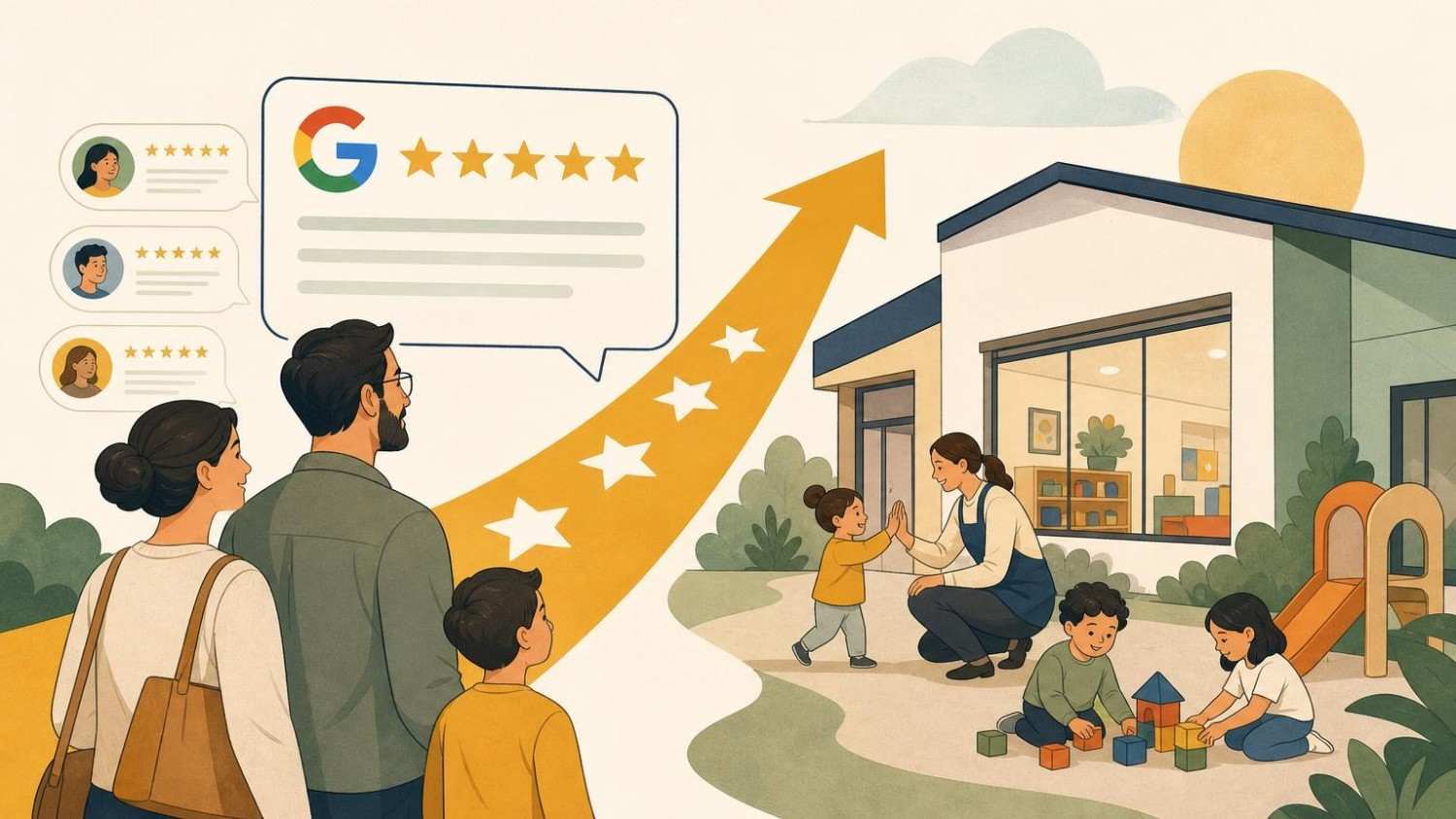
Display your Google review rating prominently on the landing page, ideally with a link to the full reviews. If you have 4.5 stars or higher with 50+ reviews, that’s one of your strongest conversion tools. A 2024 BrightLocal survey found that 87% of consumers read online reviews for local businesses, and parents selecting childcare are even more review-dependent than average.
If you don’t have many reviews yet, that’s a separate problem worth fixing before increasing your ad spend. Pouring more money into ads without social proof is like turning up the faucet when the drain is open.
Displaying Licenses, Certifications, and Safety Standards
Parents want to see that your facility is licensed, your staff is CPR-certified, and your safety protocols are current. These aren’t nice-to-haves on your landing page; they’re conversion essentials. Display your state licensing badge, any NAEYC accreditation, staff-to-child ratios, and security measures (cameras, check-in systems, locked entry).
Think of these trust signals as the equivalent of a restaurant displaying its health inspection score. You might have a perfect score, but if it’s hidden in a drawer, it can’t reassure anyone. Put these credentials where parents can see them without scrolling: near the top of the page or alongside your CTA.
A simple row of badges or icons showing “State Licensed,” “CPR Certified Staff,” “Security Cameras,” and “Low Ratios” can meaningfully increase the likelihood that a parent fills out your form rather than bouncing.
Inadequate Local Targeting and Geo-Fencing
Daycare is an inherently local business. Most parents won’t drive more than 15-20 minutes, and many prefer a center within 10 minutes of home or work. If your Google Ads are showing to people 30 miles away, you’re paying for clicks from parents who will never realistically enroll.
Check your campaign’s location settings carefully. Google’s default “Presence or interest” targeting will show your ads to anyone who shows interest in your area, even if they live three states away and were just researching the neighborhood for a potential move. Switch this to “Presence: People in or regularly in your targeted locations” for much tighter targeting.
Set your radius based on your actual enrollment data. Where do your current families live? If 80% are within a 7-mile radius, that’s your sweet spot. You can create a radius target in Google Ads and even bid higher for searches within 3-5 miles of your facility, where conversion rates will be highest.
Don’t forget to include workplace corridors. Many parents choose daycare near their office, not their home. If your center is near a business park or hospital, consider targeting those areas separately with Ad copy that speaks to working parents in that zone: “Daycare Steps from Downtown – Drop Off on Your Commute.”
Schedule a FREE 30 minutes Session with Us!
Turning Clicks into Tours with Better Lead Capture
The real conversion for a daycare isn’t a form submission: it’s a parent walking through your door for a tour. Everything between the click and the tour is a lead capture and nurture problem, and most daycares handle it poorly.
Speed matters more than almost anything else. A study by Lead Connect found that responding to an inquiry within five minutes makes you 21x more likely to qualify that lead compared to waiting 30 minutes. For daycare inquiries, this is even more critical because parents are often submitting forms to 3-4 centers simultaneously. The first one to respond with a warm, personal message wins.
Set up automated text or email responses that go out instantly when someone submits your form. Not a generic “Thanks for your inquiry,” but something specific: “Hi [Name], thanks for your interest in ABC Daycare! We’d love to show you around. Our next available tour times are [date/time] and [date/time]. Which works best for you?” This keeps the momentum going while you prepare a personal follow-up.
Consider adding a live chat widget or a click-to-call button as alternative conversion paths. Some parents don’t want to fill out a form; they want to talk to a human right now. If your only conversion option is a form, you’re losing the parents who prefer phone calls, and vice versa. Offer both.
Track your full funnel: clicks to form submissions, form submissions to tour bookings, tour bookings to actual tours attended, and tours to enrollments. If you’re getting form submissions but parents aren’t showing up for tours, the problem is in your follow-up process, not your ads. If you’re getting tours but not enrollments, that’s a sales and facility issue. Knowing exactly where the drop-off occurs tells you where to focus your energy.
The pattern behind daycare Google Ads that get clicks but produce no leads is almost always the same: the ad does its job, but everything downstream fails the parent. Fix your message match, tighten your targeting, strip friction from your landing page, build visible trust, and respond to inquiries like your enrollment depends on it, because it does. Start with the highest-impact fix first: for most daycares, that’s either building a dedicated landing page or adding a negative keyword list. Either one can be done in an afternoon and can transform your cost per lead within a week.



Share