
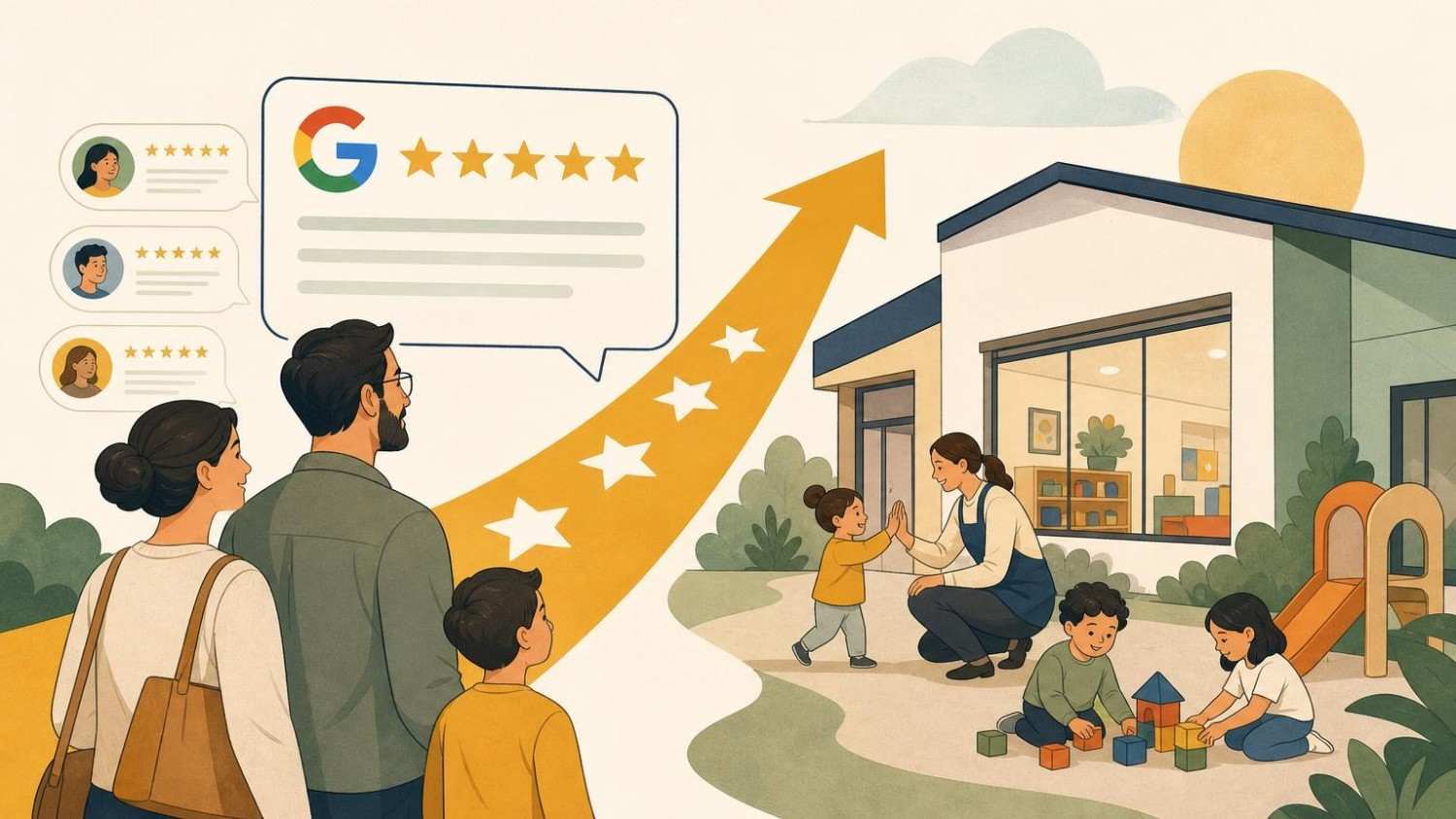
Picture a parent at 10:40 p.m., phone in one hand and a half-finished waitlist form in the other, comparing three childcare centers within a ten-minute drive. They have toured none of them yet. What they have done is read every review, sorted by “newest,” and quietly crossed one center off the list because the owner responded to a complaint with three paragraphs of defensiveness.
That scenario plays out in thousands of households every week. Most directors know reviews matter, but they treat them like the weather: something that happens to them rather than something they can shape. That’s a mistake. Reviews are one of the few marketing assets a small center can build that a well-funded franchise down the street can’t simply buy.
This guide shows how to turn Google reviews into a competitive advantage for your childcare center, from setting up your profile to asking parents the right way, responding with grace, and feeding what you learn back into your classrooms. None of it requires a marketing budget. It requires consistency, a little nerve, and a system you’ll actually stick with.
The Impact of Google Reviews on Modern Childcare Enrollment
Choosing childcare is not like choosing a pizza place. Parents are handing over the most important person in their lives for eight or nine hours a day, and they know a glossy website is written by the center itself. Reviews feel different because they come from people in the same position the reader is in: tired, cautious, and paying close attention.
But here’s what’s actually happening when a parent reads your reviews. They aren’t just counting stars. They’re scanning for specific signals:
- Safety and supervision: mentions of how staff handled a fall, an allergy, or a pickup mix-up
- Communication: whether parents get photos, daily reports, or a call when something’s off
- Staff stability: names that show up across reviews from different years
- Warmth: stories about a teacher who helped a shy toddler settle in
A 4.8 rating with twelve reviews from 2021 tells a parent less than a 4.6 with sixty reviews spread across the last eighteen months. Recency signals that the center they’d be enrolling in today is the same one people are praising. Volume signals that the praise isn’t three friends of the owner.
Reviews also shape whether parents find you at all. Google’s local results weigh prominence, and review count and quality feed into that. A center that consistently earns fresh, detailed reviews tends to show up more often when someone searches “daycare near me” or “infant care in [your town].” Think of each review as a small deposit: individually modest, but they compound.
Schedule a FREE 30 minutes Session with Us!
Optimizing Your Google Business Profile for Maximum Visibility
Reviews sit inside your Google Business Profile, so a neglected profile undercuts every good review you earn. Parents who land on a profile with outdated hours, three blurry photos, and no description assume the center is equally sloppy indoors. Fair or not, the profile is your front porch.
Start with the essentials and get them exactly right. Your center’s name should match your signage and licensing documents, without keyword stuffing like “Sunshine Daycare Best Infant Care Preschool.” Hours should reflect drop-off and pickup windows, plus holiday closures updated a few weeks ahead. Choose a precise primary category such as “Child care agency” or “Preschool,” then add secondary categories that genuinely apply.
Photos do more heavy lifting than most directors expect. Parents want to see classrooms, the outdoor play area, the nap room, and the entrance they’ll walk through every morning. Aim for a refresh every season so the profile looks alive. Before posting anything with children in it, confirm you have written photo consent, and when in doubt, shoot hands at the sensory table or a wide shot from behind rather than faces.
Use the description field to say what makes your center specific: age ranges served, curriculum approach, meals provided, ratios if they’re strong, and whether you accept subsidies. Then turn on the Q&A feature and seed it with answers to the questions you hear on every tour. Parents searching at night get answers immediately, and you look like a center that anticipates needs instead of reacting to them.
Ethical Strategies for Requesting Reviews from Parents
Happy parents rarely leave reviews on their own. Unhappy ones often do. That imbalance is why passive centers end up with ratings that don’t reflect reality, and why asking is not pushy: it’s correcting a skewed sample.
There are firm lines, though. Google’s policies prohibit offering incentives for reviews, so no tuition discounts, gift cards, or raffle entries in exchange for stars. Don’t ask only the parents you know are delighted while steering others away (a practice called review gating). And never have staff or relatives post reviews. One common mistake is asking teachers to “help out” by reviewing their own workplace; it violates guidelines and tends to read as fake to parents anyway.
The ethical approach is simple: ask every family, make it easy, and accept whatever they say.
Timing Your Requests for Peak Positive Response
The best moment to ask is right after a parent has felt something good about your center. That feeling fades fast, so the request should follow within a day or two. Natural windows include:
- The end of a child’s first month, once the transition tears have stopped
- After a parent-teacher conference that went well
- The week after a family event like a spring picnic or holiday show
- When a child moves up to a new classroom
- Graduation or the last week before kindergarten
Think of it like asking a friend to recommend a restaurant while they’re still talking about the meal, not three weeks later. Avoid asking during tuition increase announcements, right after an illness outbreak, or on a chaotic Monday pickup when parents are juggling car seats and grocery lists.
Removing Friction with QR Codes and Direct Links
Every extra tap loses parents. If someone has to search your name, find the listing, scroll, and locate the review button, most won’t finish. Google lets you generate a direct review link from your Business Profile dashboard, which drops parents straight into the star rating screen.
Put that link everywhere a parent already looks: the bottom of your monthly newsletter, your parent app, and follow-up emails after conferences. Print a QR code on a small card by the sign-in tablet or the cubbies, with a line like “Two minutes, big help for families looking for care.” A personal note from the lead teacher, sent with the link, outperforms a generic blast every time.
Mastering the Art of the Review Response
Responding to reviews is where you can genuinely separate yourself from competitors, because most centers either ignore reviews or answer them badly. Every response is public. You’re not really writing to the reviewer; you’re writing to the hundreds of future parents who will read the exchange.
Aim to respond to every review within two or three business days. Keep replies short, warm, and human. And protect privacy without exception: never confirm a child’s name, health details, incident specifics, or enrollment status in a public reply, even if the parent mentioned them first.
Turning Negative Feedback into a Professional Win
A one-star review stings, especially when you think it’s unfair. Wait a few hours before replying. Then use a structure like this:
- Thank them for sharing their experience.
- Acknowledge the concern without arguing the facts in public.
- State what your center values or what you’re looking into.
- Invite them to talk directly, with a name and phone number.
Something like: “Thank you for raising this. Clear communication at pickup matters to us, and I’d like to understand what happened. Please call me directly at the front office so we can talk it through. – Maria, Director.”
This isn’t random advice. Parents reading that reply see a calm adult who takes concerns seriously, which is exactly what they want caring for their child. A defensive reply loses you far more enrollments than the original complaint. If a review contains false claims, harassment, or comes from someone who was never a client, flag it through Google’s reporting process rather than fighting in the comments.
Personalizing Positive Responses to Build Community
The common mistake with positive reviews is the copy-paste reply: “Thanks for the kind words!” on forty reviews in a row. It reads as automated, and parents notice.
Instead, reference something specific without revealing private details. If a dad praised how the toddler room handled drop-off anxiety, reply that Ms. Tanya will be thrilled to hear it and that the slow goodbye routine is something the team works hard on. You’ve thanked him, credited a staff member, and told future parents about a real practice. Teachers love seeing their names publicly recognized, too, which quietly helps with retention.
Schedule a FREE 30 minutes Session with Us!
Leveraging Social Proof Across Your Marketing Channels
Reviews on Google only reach people already looking at your profile. Bringing them into your other channels multiplies their value, and it costs nothing but a little copy and paste.
Start with your website. Add a short testimonials section on the homepage and the enrollment page, using real first names and the age group (“Jess, mom of a 2-year-old in the Caterpillar room”). Pick quotes that address common fears: separation anxiety, communication, safety, food. Ask permission before featuring a review prominently, even though it’s public; parents appreciate the courtesy, and it avoids awkward moments.
On social media, turn a strong review into a simple graphic: the quote in large type over a classroom photo with no identifiable children. One a week is plenty. In your tour follow-up emails, include two or three short review excerpts that match what that family asked about. If a parent worried about infant feeding schedules, send them the review praising how the infant room tracked bottles.
Your tour itself can reference reviews naturally. “A lot of parents mention our daily photo updates, so let me show you how those work” grounds your pitch in other families’ words instead of your own claims. That’s the mechanism behind social proof: people trust peers more than sellers, so let your parents do the selling.
Using Review Insights to Improve Center Operations
This is the part most directors skip, and it’s where the real competitive edge lives. Your reviews are free, unfiltered market research. Once a quarter, read every review from the past three months, including your competitors’, and tag recurring themes.
You might find patterns like these:
- Repeated praise for one classroom suggests that teacher’s practices should be shared with others.
- Several mentions of slow communication point to a process gap, maybe incident reports reaching parents too late.
- Competitor reviews complaining about turnover tell you that staff stability is a selling point worth highlighting.
- Comments about pickup congestion might justify staggered times or a curbside system.
Consider a center where three reviews in six months mention not knowing what their child ate. That’s a fixable problem: a daily menu photo in the parent app solves it in a week. Fixing it prevents the next twelve complaints rather than reacting to them one at a time, which is far cheaper than repairing a damaged rating later.
Share findings with staff during meetings, framing praise first. When teachers see that a parent mentioned their circle-time songs, they understand that small habits get noticed. When they see a criticism, they hear it as data rather than blame. Over time, your reviews start describing a better center because they helped build one.
Maintaining Your Reputation for Long-Term Growth
Reputation management works like dental hygiene: two minutes a day prevents the root canal. Centers that do a burst of review requests every January and then forget about it end up with a rating that stalls and stale reviews that make the profile look abandoned. Steady beats sporadic.
Keep the routine minimal. You don’t need software subscriptions or a ten-step workflow. Four habits cover almost everything:
- Ask every new family at the one-month mark.
- Respond to every review within three business days.
- Update profile photos and hours each season.
- Review themes quarterly and share them with staff.
Then track whether it’s working. Pick a handful of metrics and check them on the first of each month:
- New reviews per month: a center with 60 enrolled families might aim for three to five
- Average rating over the last 90 days, not just the all-time number
- Response rate and average response time
- Profile actions from Google’s performance insights: calls, website clicks, and direction requests
- Tours booked from Google, which you capture by asking “How did you hear about us?” on every inquiry form
If calls and direction requests climb alongside review volume, your system is working. If reviews grow but tours don’t, the issue is likely your profile or your follow-up, not your reputation.
The centers that win on reviews aren’t the ones with perfect ratings. They’re the ones that treat every parent’s voice as worth hearing, respond like professionals, and quietly get better every quarter. Do that for a year, and the parent scrolling at 10:40 p.m. will find you, read about a teacher who knew exactly how to calm a crying two-year-old, and book a tour before bed. Start this week: generate your review link, print the QR card, and ask your three newest families how their first month went.


Share